🔥 Bav's Tax Sale is here! 15% Off most Bav branded items! Includes headlight builds, steering wheels, Angel Eye and DRL kits & more! Use Code TAXSALE26 at checkout. Exclusions apply. 🔥
🔥 Bav's Tax Sale is here! 15% Off most Bav branded items! Includes headlight builds, steering wheels, Angel Eye and DRL kits & more! Use Code TAXSALE26 at checkout. Exclusions apply. 🔥
$124.99Original price was: $124.99.$99.99Current price is: $99.99.
-
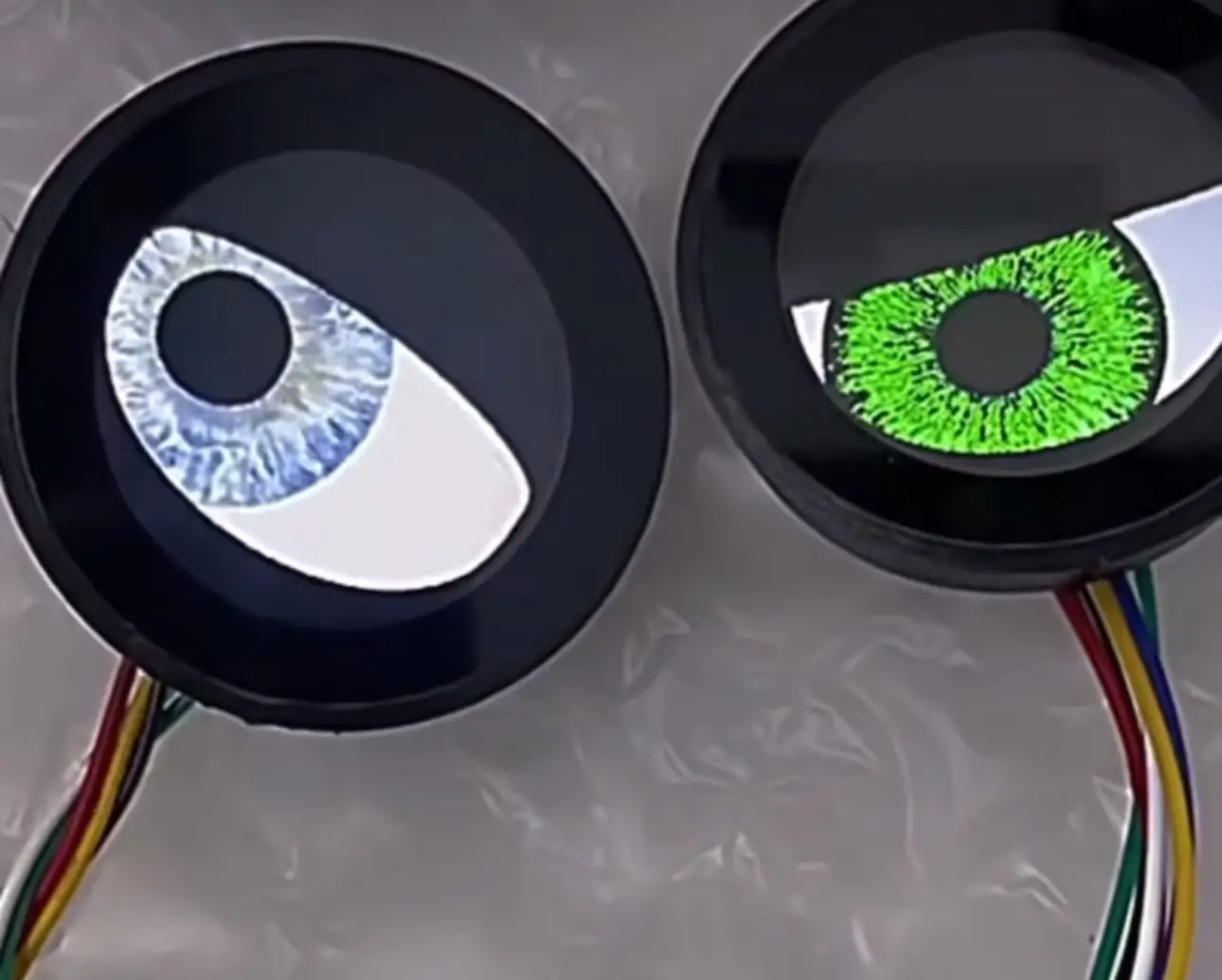
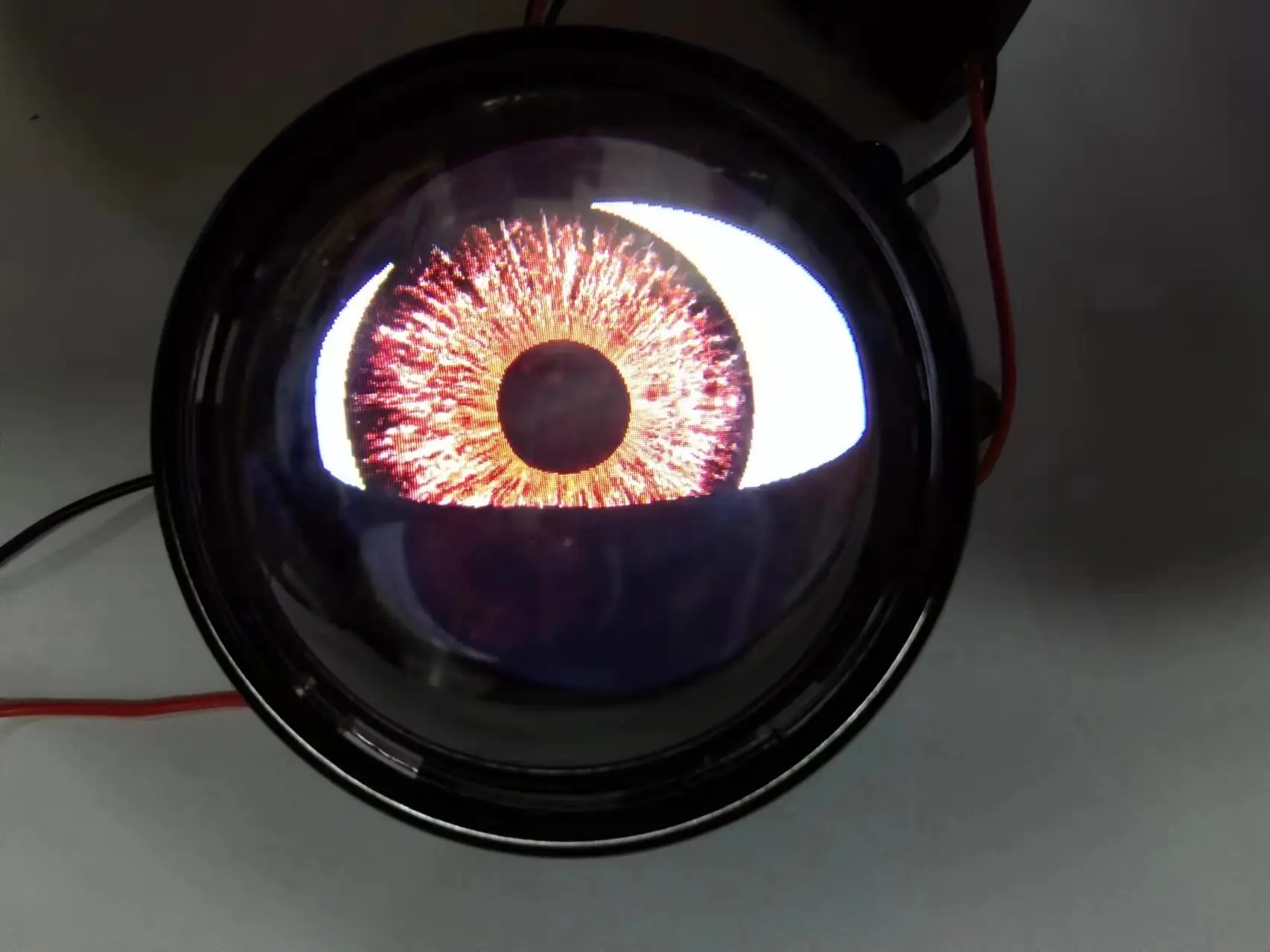
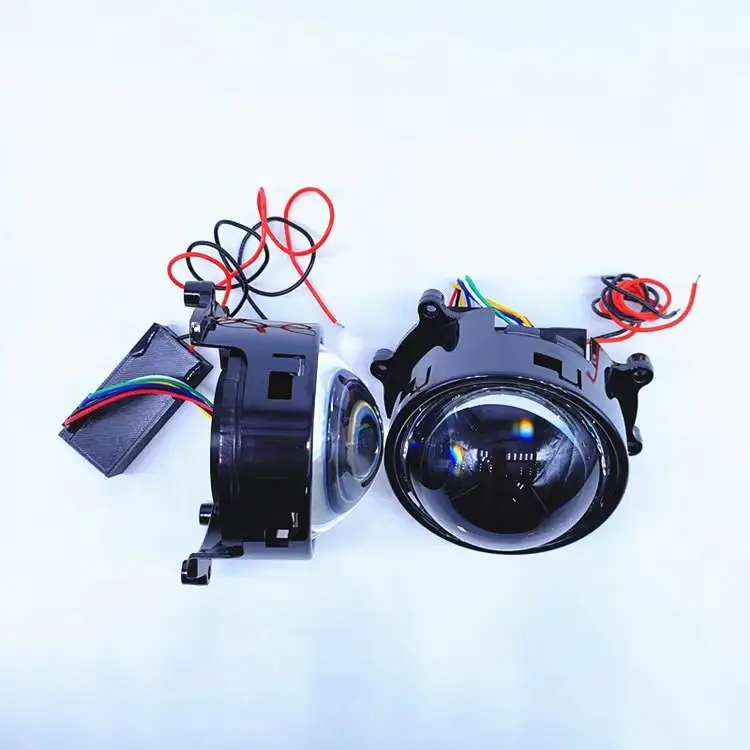
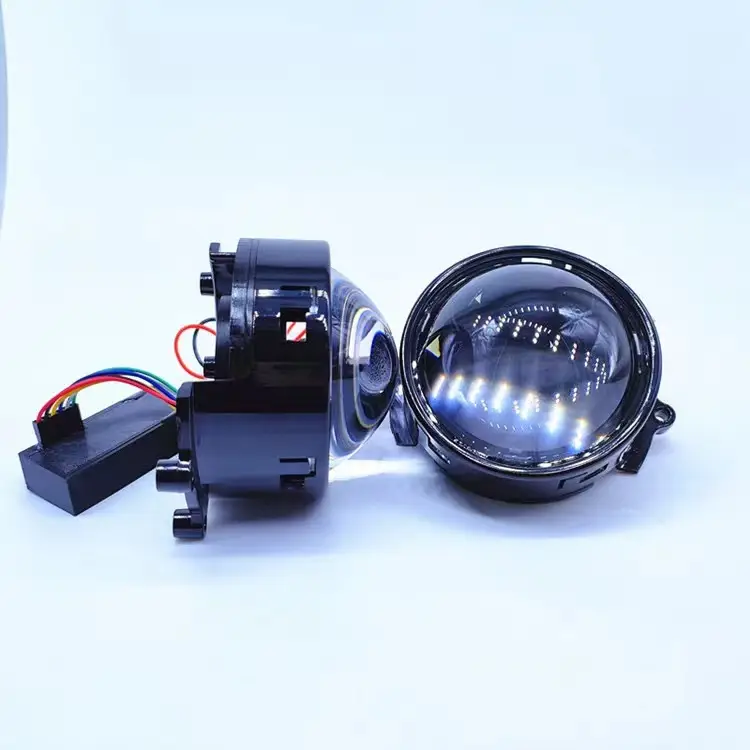
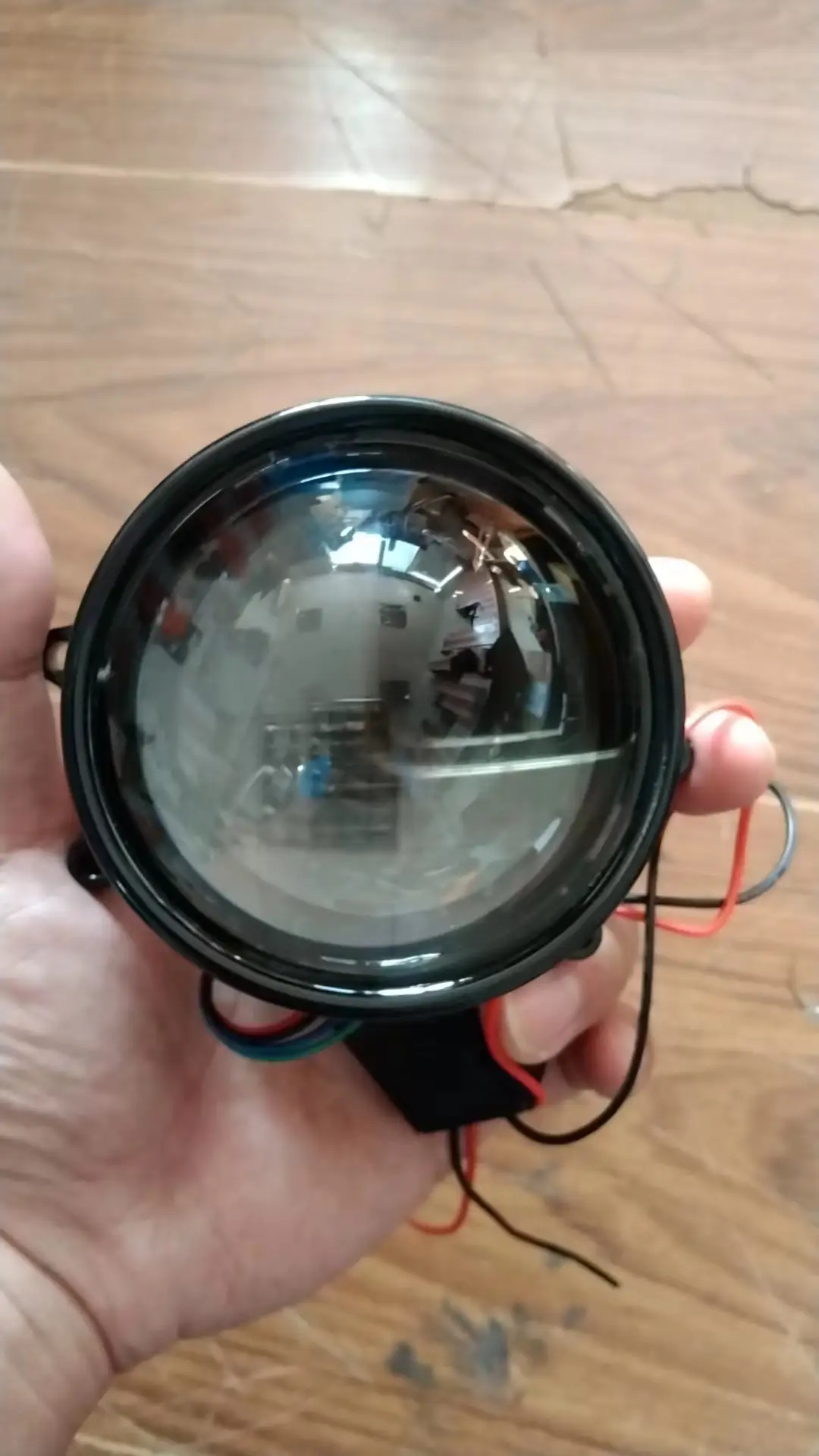
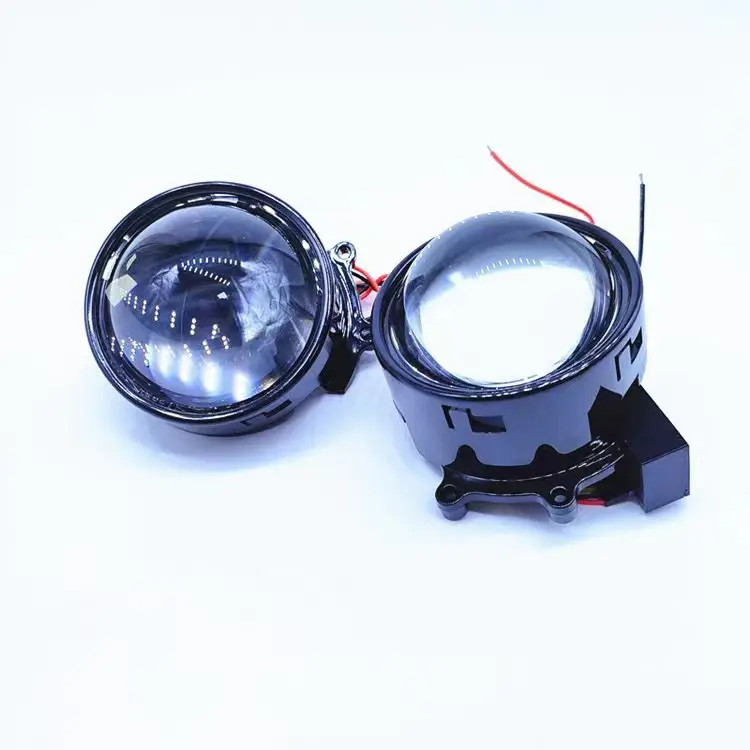
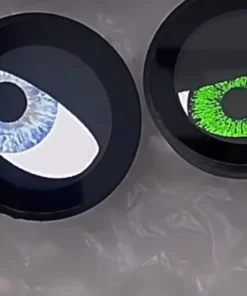
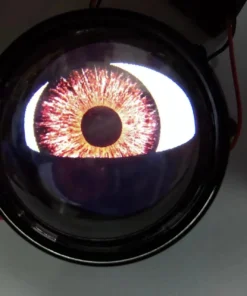
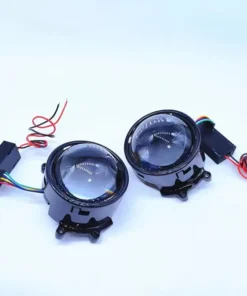
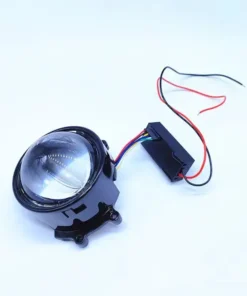
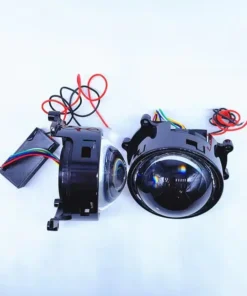
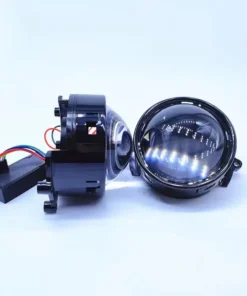
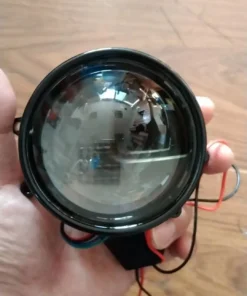
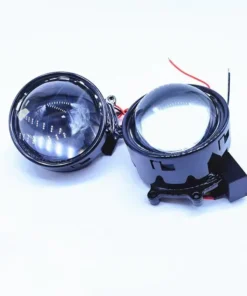
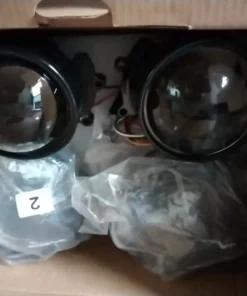
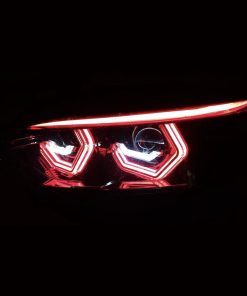
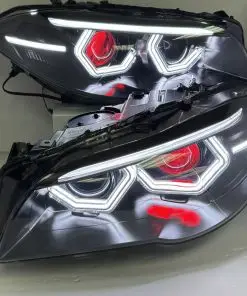
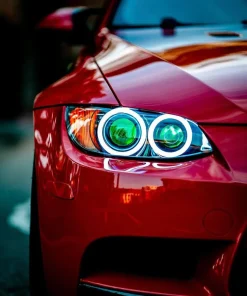
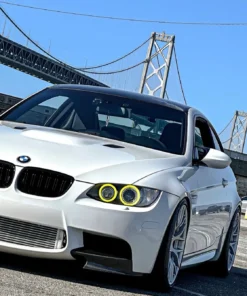
You are looking at our new Blinking Demon Eye Projectors! These feature dual projectors that have an onboard computer that simulates a blinking human eye. The eyes are programmable to different eye color shades and features, 8 total styles are available to choose from.
These demons are suitable for inner shrouds and are the aftermarket industry standard.
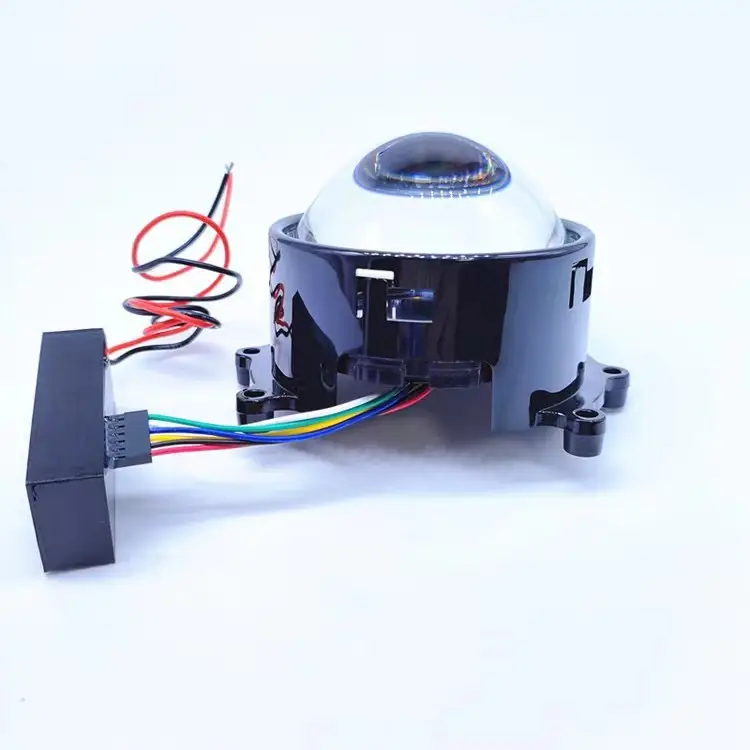
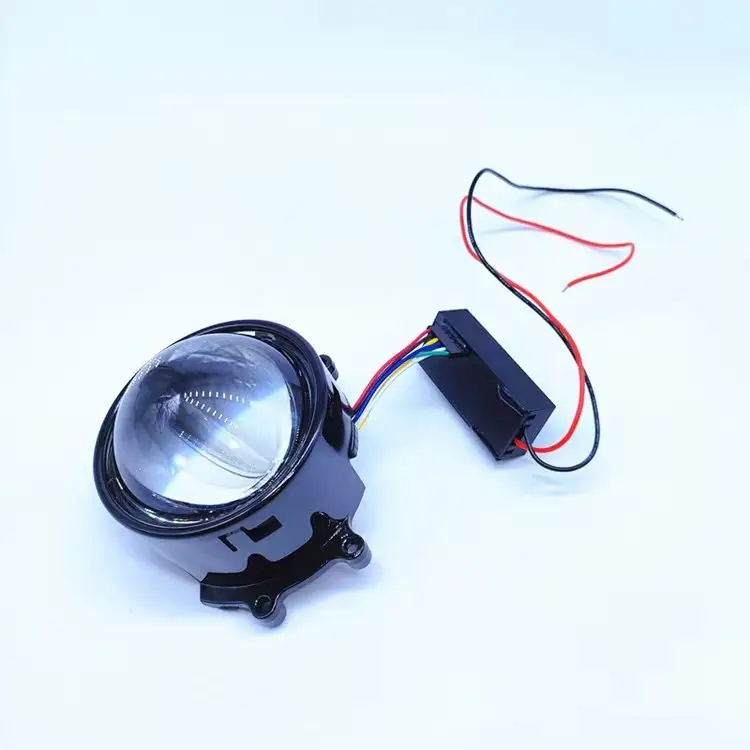
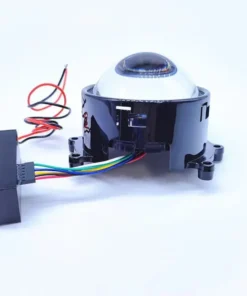
Compact: Our drivers and wiring have been engineered to be very small to take up a tiny footprint in your headlights.
Wiring: Features external micro computer driver. These demon eyes lights come with a Cellphone wireless app to control the eyes and change features.
You can also connect these demon human eyes directly into any of our angel eye harnesses to avoid the need to splice wiring or use large adapters using the JST connectors they come with, see pictures.






Reviews
There are no reviews yet.